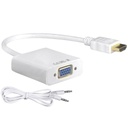



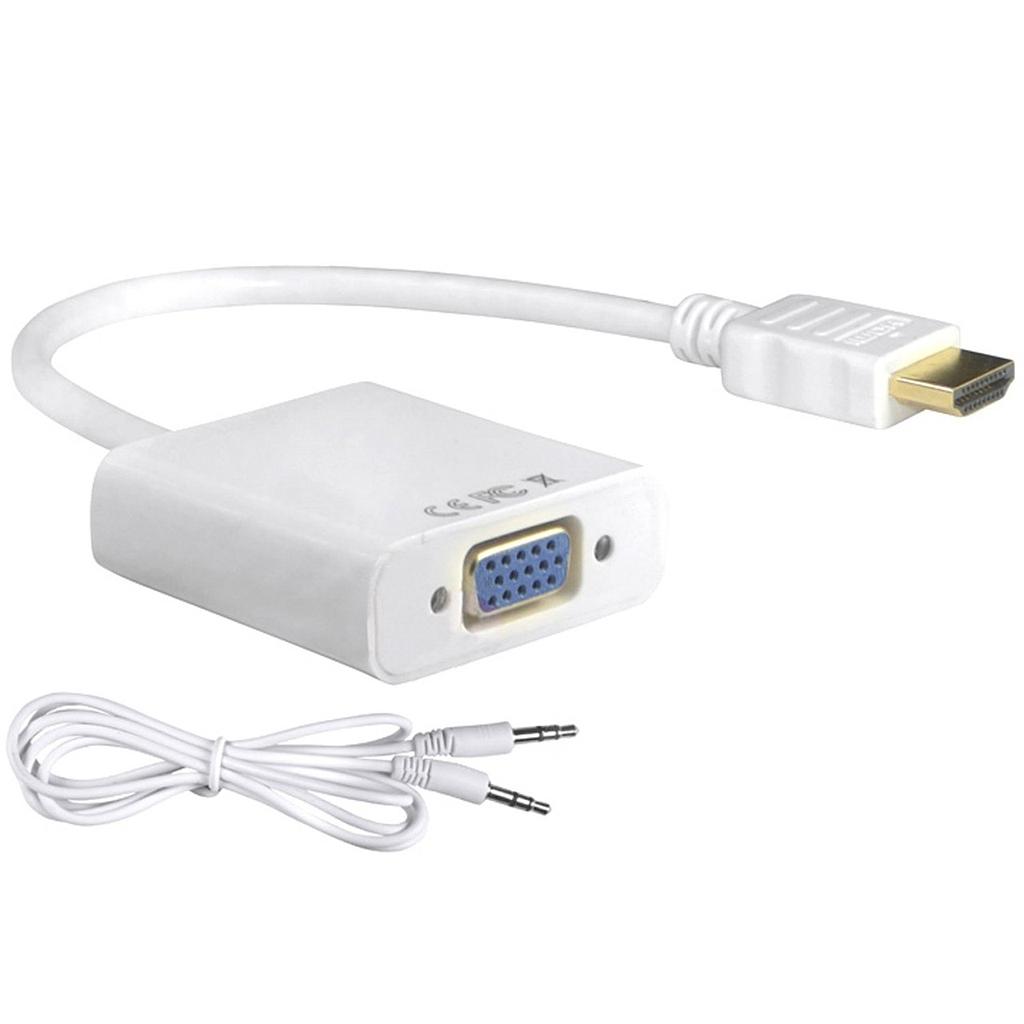

HDMI to VGA Converter with 3.5mm Audio Output
Adapter that converts an HDMI video signal to VGA, with a separate 3.5 mm audio output for sound.
- Input: HDMI
- Output: VGA (DE-15) plus 3.5 mm analogue audio
- Direction: HDMI source to VGA display (one-way)
- Use: Connecting laptops, media players and consoles to VGA monitors and projectors
Because VGA carries no audio, the 3.5 mm output is used to feed powered speakers or a display's audio input.
An HDMI to VGA converter with sound is a device that allows you to convert an HDMI signal to VGA video and analog audio signals. It enables you to connect HDMI devices, such as laptops, gaming consoles, or media players, to VGA displays,
Video and Audio Conversion: The converter not only converts the HDMI video signal to VGA but also extracts and converts the audio from the HDMI signal to analog audio signals.
Compatibility: HDMI to VGA converters with sound are compatible with a wide range of HDMI source devices, including laptops, Blu-ray players, gaming consoles, and more.
Audio Output Flexibility: With an HDMI to VGA converter with sound, you have the flexibility to connect your audio output to different devices. The analog audio output from the converter can be connected to external speakers, headphones, or audio systems that accept analog audio inputs.
Simultaneous Video and Audio Transmission: The converter enables simultaneous transmission of video and audio signals. This ensures that both the video and audio components of your content are properly converted and transmitted to the VGA display and audio output device, respectively, providing a synchronized multimedia experience.
Easy Setup: Using an HDMI to VGA converter with sound is typically a straightforward process. You connect the HDMI output of your source device to the input of the converter, then connect the VGA cable from the converter's video output to the VGA input of your display device.
No Specifications