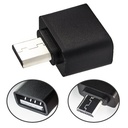



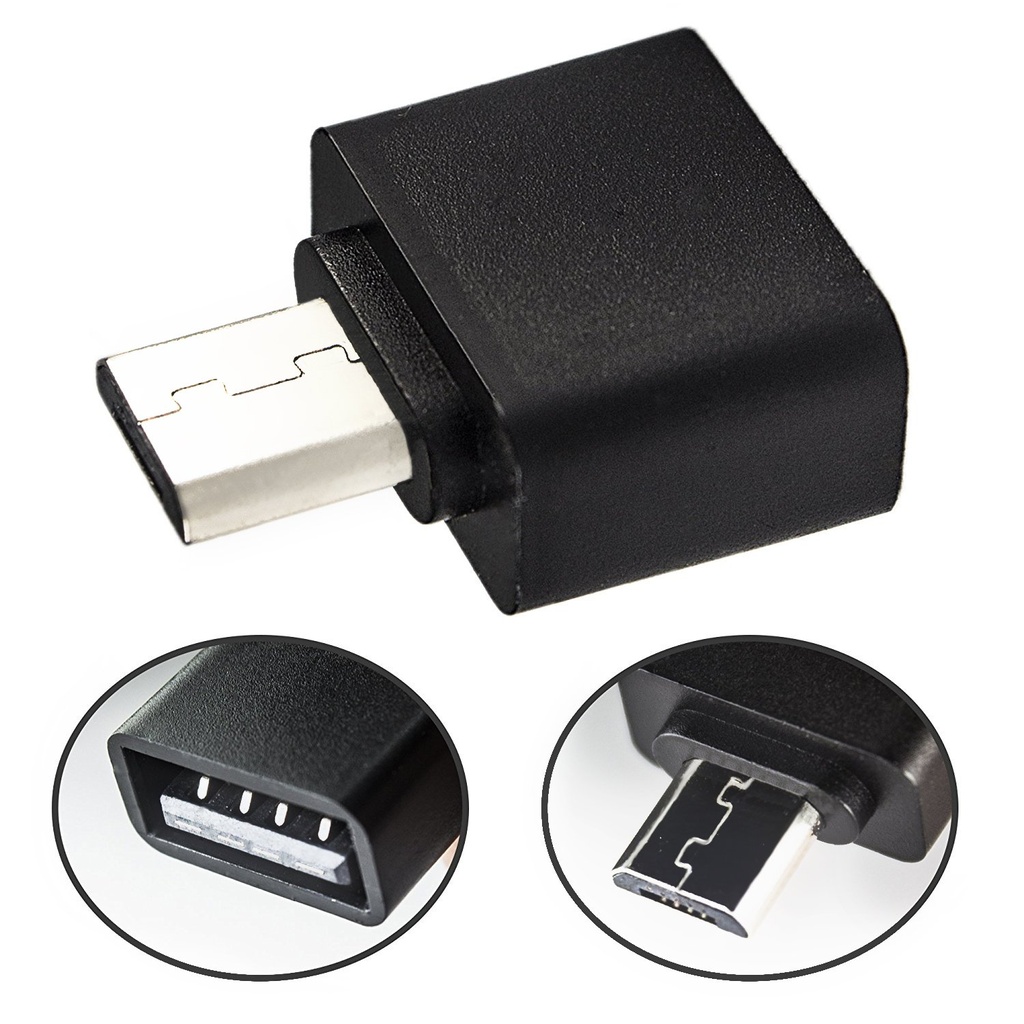
Micro USB to USB 2.0 OTG Adapter - Black
Micro USB to USB 2.0 OTG Adapter connects standard USB peripherals to a Micro USB device port.
- Micro USB male to USB Type-A female
- USB 2.0 On-The-Go support for flash drives, keyboards, mice and card readers
- Compact plug-in form factor with no cable
- Compatible with OTG-enabled Android phones and tablets
- Black finish
Expanded device compatibility: The adapter allows you to connect USB devices, such as flash drives, keyboards, mice, game controllers, or external hard drives, to your Micro USB-enabled device.
Plug-and-play functionality: The adapter is typically plug-and-play, meaning you can simply connect it to your Micro USB device and plug in a USB device without the need for additional software or drivers.
Portable and lightweight: Many Micro USB to USB OTG adapters are designed to be compact and lightweight, making them easy to carry with you.
File transfer and data management: With the adapter, you can easily transfer files and manage data between your Micro USB device and USB peripherals.
Peripheral functionality: The adapter allows you to connect USB peripherals to your Micro USB device, expanding its functionality.
Charging capabilities: In some cases, the Micro USB to USB OTG adapter may support charging capabilities, allowing you to power your Micro USB device while using USB peripherals.
No Specifications